Magic Patterns lets you collect structured feedback directly through your shared designs. This is perfect for gathering insights from customers and other external stakeholders.
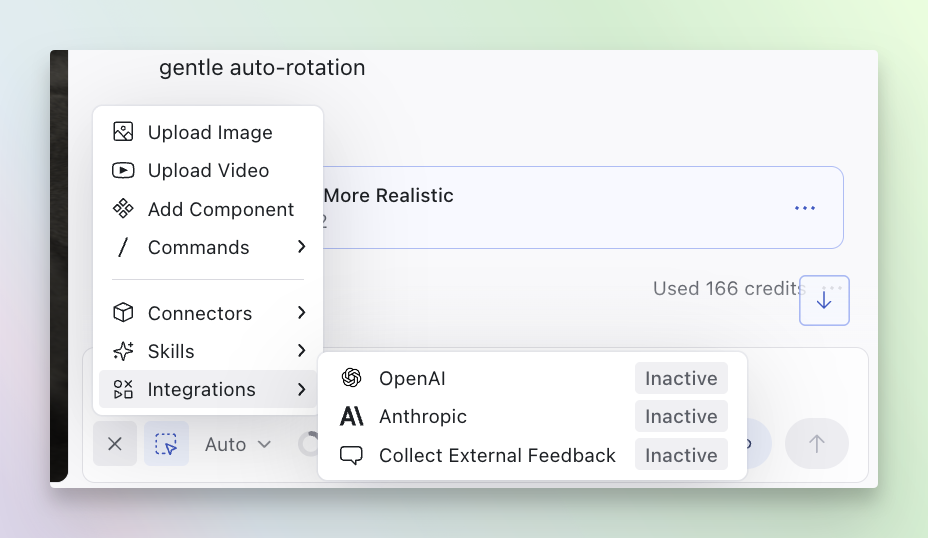
Setting Up Feedback Collection
Open the chatbar
Open the chatbar in your design and locate the integrations section.
Enable external feedback collection
In the integrations section, click on “Collect Feedback,” toggle it on, and
configure your custom questions.
Add custom questions
Create questions for your stakeholders to answer when they view your design.
Share the Publish link
Send the preview link to your external stakeholders. They’ll see your
questions when viewing the design.
Review feedback
View all collected feedback in the integrations panel by clicking on
“Download Feedback.”
Video Tutorial
This feature has moved to the chatbar. In the video, you will see it under
Share, but currently you will find it in the integrations section of the
chatbar. Everything else is the same!

